Blogs
Pipe Inspection Camera Maintenance
Dec
A dependable inspection camera sits at the heart of modern underground diagnostics. Whether you’re surveying a storm line or documenting a drain repair, a clean and well‑kept sewer camera ensures that every video feed and defect code is clear and accurate.
Neglecting maintenance often means costly downtime, blurred images, or, worse, a total equipment failure mid‑project. A few careful habits after each use can stretch the life of your pipe inspection camera for years.
1. Start with Safe, Consistent Cleaning
After every inspection job:
- Rinse and wipe the camera head. Even a thin film of residue can dull the lens.
- Dry all connectors. Moisture inside plugs causes signal interruption.
- Avoid harsh solvents. Mild detergent and a soft cloth protect the lens coating.
Routine cleaning might seem basic, but it’s the number‑one reason cameras stay reliable season after season.
2. Check your Cable Before and After Every Use

Your cable (or push rod) takes the toughest workload. Examine it for cuts, twisting, or hardened kinks before rolling it out.
When you reel it back in:
- Wind evenly without forcing tension.
- Never coil it tighter than its natural loop.
- Keep the reel dry, no puddles underneath when you store it.
Healthy cables guarantee smooth footage and prevent signal flicker.
3. Protect the Lens and Camera Head
Your camera for inspection is built for harsh environments, but the lens still demands attention.
- Use a protective skid or cover when working in rough or offset joints.
- Inspect O‑rings and seals; replace them if they look fatigued.
- Store the head in a padded case rather than letting it rattle loose in a toolbox.
A pristine lens equals sharp visuals and accurate defect grading.
4. Handle the Monitor and Control Unit Carefully
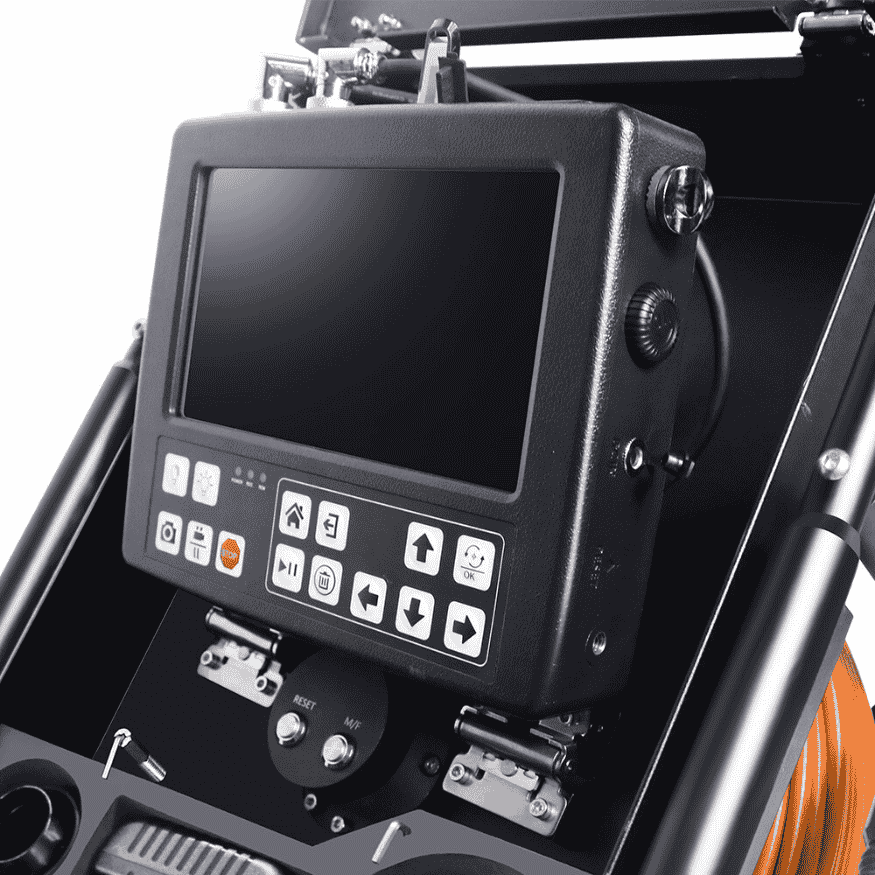
The monitor is more than a screen, it’s the command center for your pipe inspection camera system.
Keep it shaded from direct sunlight, wipe vents free of dust, and use surge protection when charging batteries. Transport it separately in a cushioned case to protect internal circuits.
5. Keep Firmware and Calibration Updated
Many professional inspection systems allow software updates and lens calibrations. These updates refine your system’s color balance, measurement overlays, and auto‑focus speeds. Set a quarterly reminder to:
- Check for manufacturer updates.
- Run a short calibration test.
- Save your configuration to ensure consistent footage across teams.
6. Pay Attention to Storage Conditions
Between projects, store your sewer camera in a dry, temperature‑controlled area. Excess heat warps cables; freezing reduces flexibility.
Always unpack the system after a wet job and let it air‑dry before closing the case. Adding silica‑gel packs inside your case keeps humidity under control.
7. Schedule Annual Professional Servicing
Even well‑maintained cameras benefit from a service once a year. Technicians can pressure‑test waterproof seals, check LEDs, replace worn bearings, and recalibrate sensors. It’s a modest investment that prevents much bigger repair bills later.
8. Train Everyone Who Uses the System
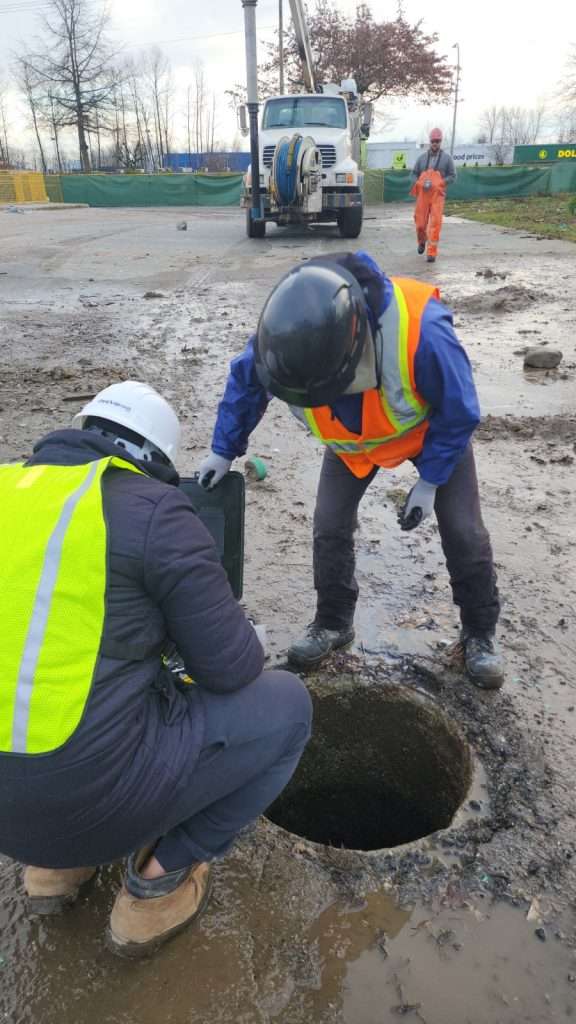
Consistency keeps equipment alive. Make sure every crew member knows:
- How to clean and store the inspection camera.
- How to report early warning signs like flickering video or cable stiffness.
- Who to contact if anything seems off.
The more people care for the tools, the longer the tools will take care of the work.
Conclusion
Your sewer camera isn’t simply a gadget, it’s core diagnostic equipment that saves hours of guesswork on every site. With good handling, proper storage, and timely servicing, even a high‑use system can last well beyond its expected cycle, maintaining crisp images and dependable performance.
A little maintenance discipline goes a long way: protect the lens, dry the reel, store it right, and update the software. That’s all it takes to make your inspection camera your most reliable partner underground.